Weekly Reflection #5 – Innovation in Education
What is the design lab?
This week, our class visited the local design lab to explore innovation in education. The design lab is a maker space located at a local school in my area. A maker space is a collaborative communal workshop that focuses on hands-on activities and problem-solving skills. Maker spaces are important because they create agency for students to design, create, and test whatever they would like to. The goal of most projects they do with students in maker spaces is to build digital literacy in students; they are always finding small ways to teach kids digital skills they will use in the future. This design lab is one of two in our area, and they are about to bring elementary students there or go into classrooms and teach students all about technology in education. This design lab had a variety of different technologies and tools that we were lucky enough to be able to test out!
What can you do there?
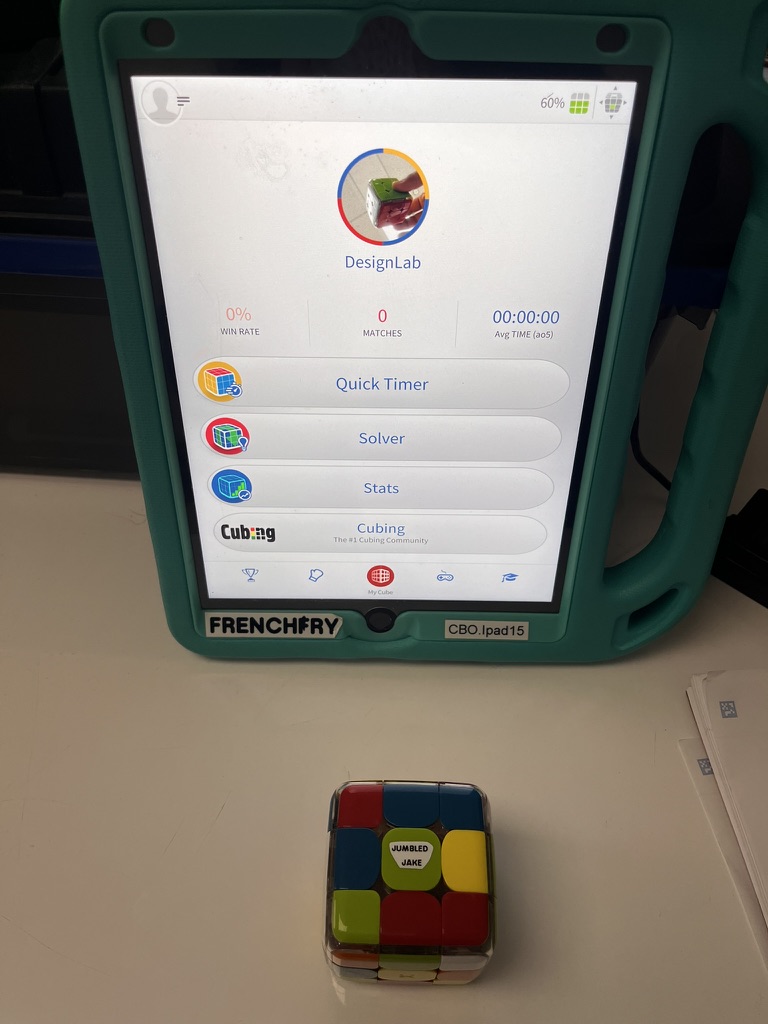
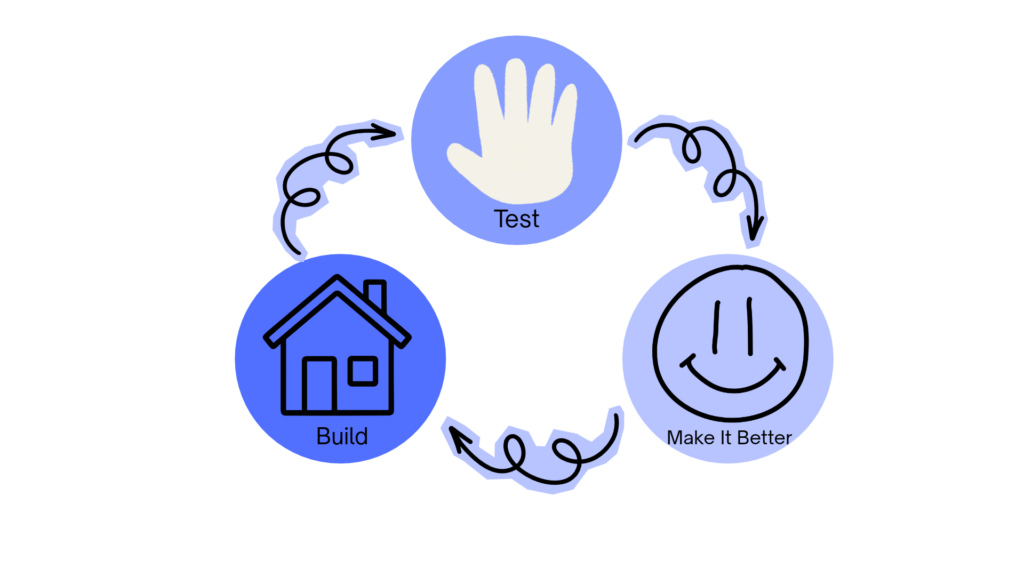
While we were visiting, we learned all about the different things they can do there. We learned all about the S.T.E.A.M. (Science, Technology, Engineering, Arts and Mathematics) fest they put on every year. This is a huge event where students build and test their own creations. We also learned all about the design process while we were there. The design process consists of three elements: build, test, and make it better! This process is important for students to learn about because it shows that all aspects of the process function in a loop; there is always room to fail and improve your creations! At the design lab we visited, there were so many tools and things we could use. It offers things like 3D pens and 3D printers, Rubik’s Cubes you can solve using an app, VR headsets, button makers, Ozobots, Legos, and many more!
This is my version of the design process visual we were shown while we were there!
What stood out to me
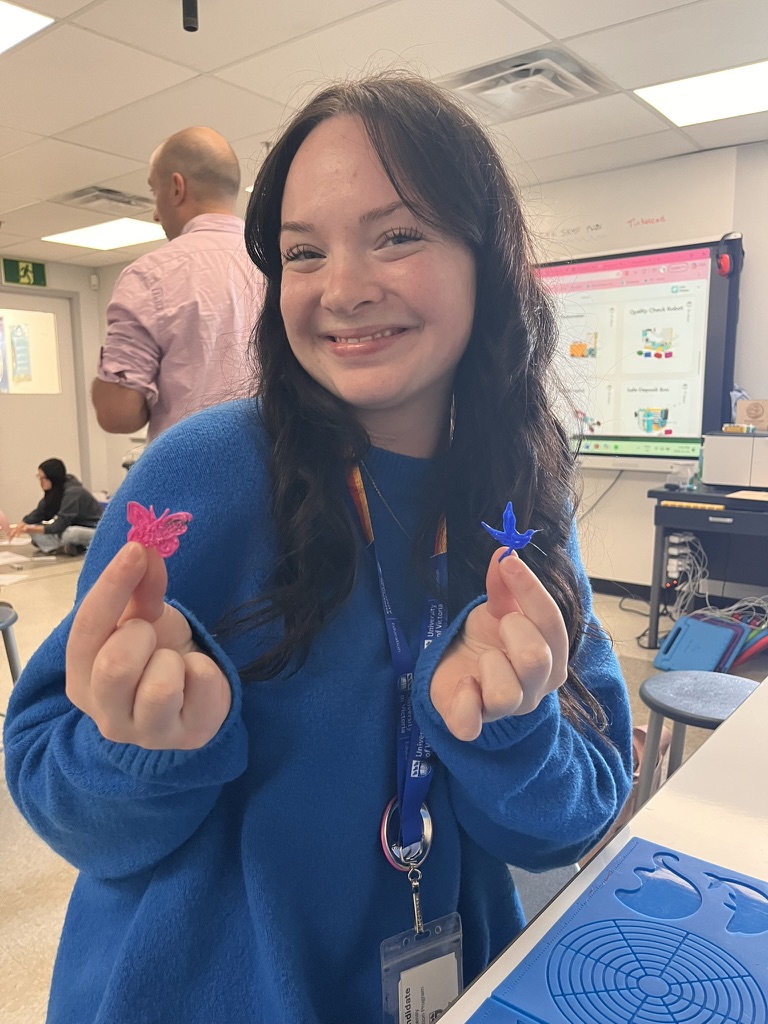
Something that stood out to me the most was the 3D pens. I absolutely loved testing those out and creating my own designs! I also loved learning all about what they offer in the design lab and the kinds of things they teach there. The thing that stood out to me the most was the design process and how much they encourage students to fail and try again until they have created something that is very well designed and made.
Activities I chose
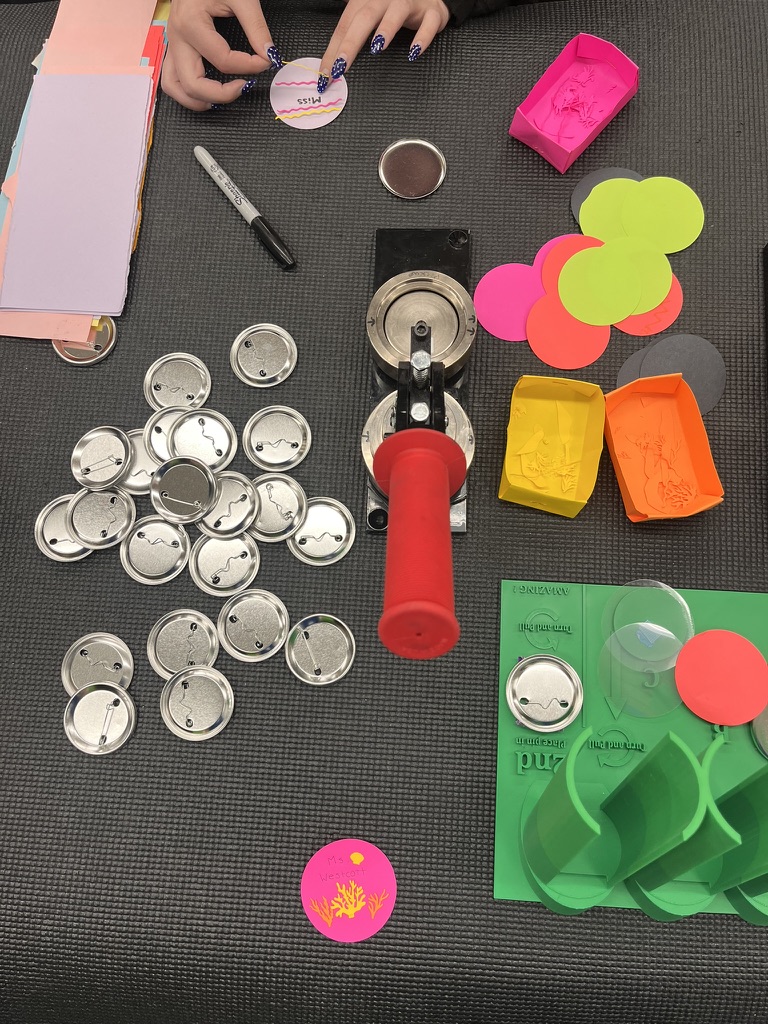
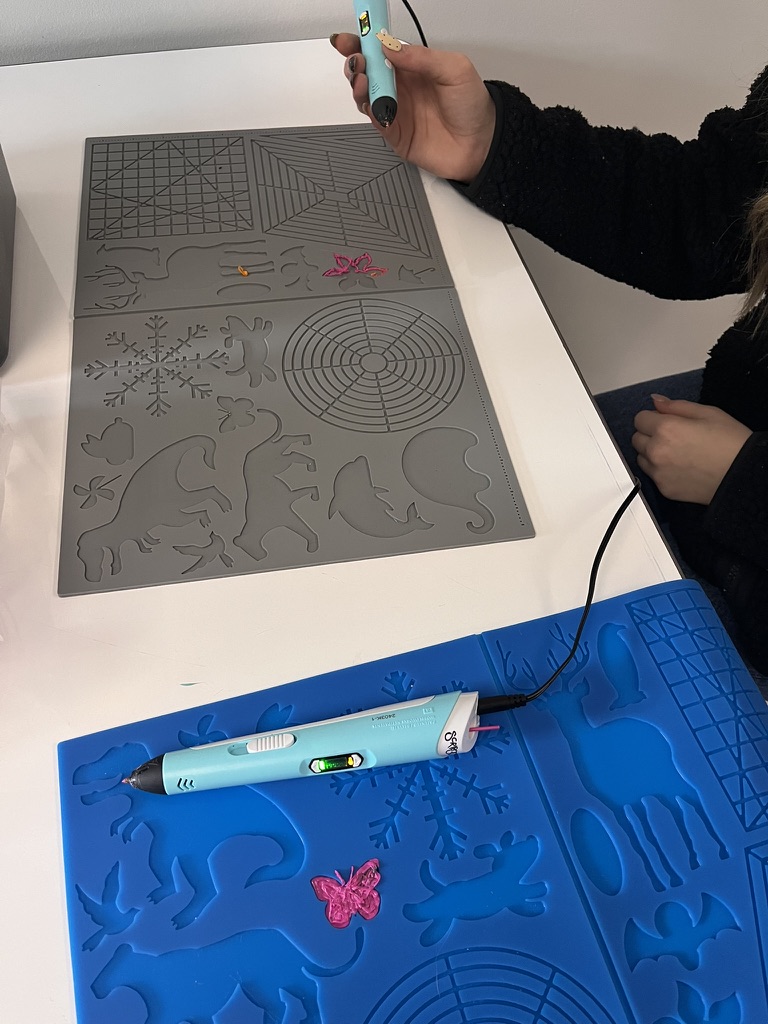
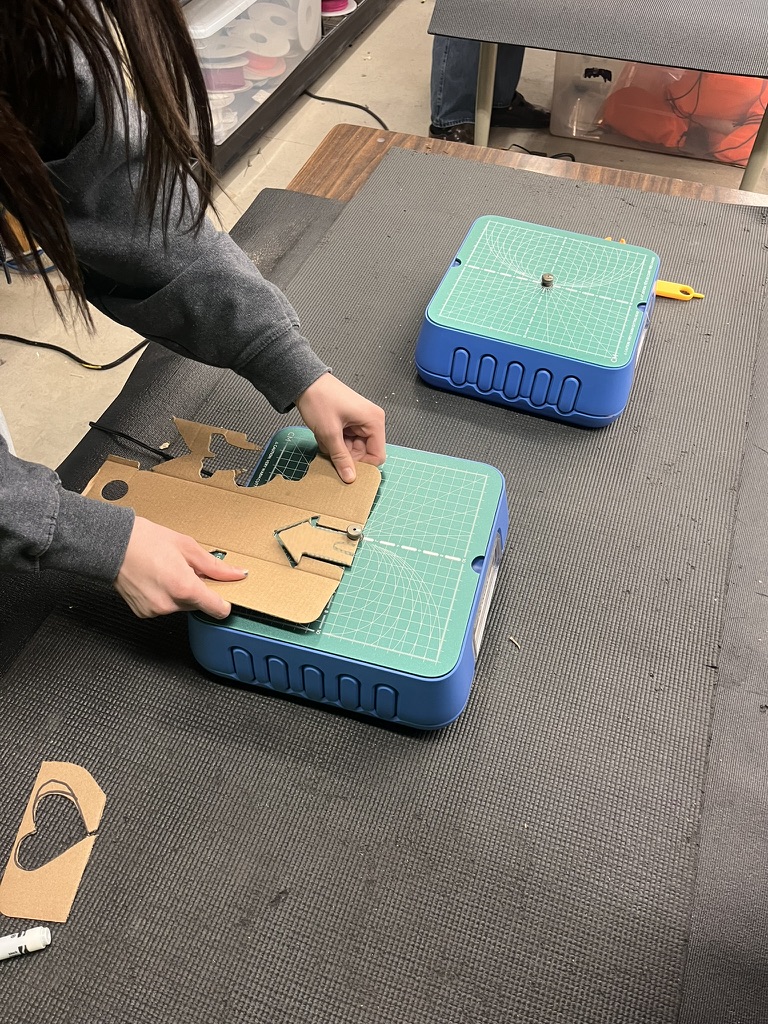
During my time at the design lab, I chose to first try and make a button using a button maker! I had so much fun designing my button and then learning how to use the button maker to attach all the pieces. I designed and created 2 buttons while I was there that I am going to put on my lanyard! I also tried out the 3D print pens to make different animals and other shapes. I had never used or seen 3D print pens before, so I was very excited to try them. First, I heated the pen and inserted the colored filament you used to draw the designs, new i used the silicone mats that contain the designs you can trace. I chose to make a butterfly and a penguin, and I had so much fun using this tool that I ended up designing my own little animal, a ladybug, which is my favourite bug! This was such a fun tool to try out! Next, I tried to solve the Rubik’s Cubes; they are hooked up to an app on the iPads that shows you what moves to make to solve them. This was also a cool activity I had never seen before; however, I could not solve my Rubik’s Cube, so I went to check out more tools! Next, I chose to go over to the cardboard cutters. These are little bench saw-looking tools, but they are only made for cutting cardboard. They are completely safe for students to use independently because it uses vibrations to cut the cardboard so there is nothing sharp on them. I also looked into the ozo bots that were at the design lab; I didn’t use them, but I watched others who did. The ozo bots are tiny little robots that move along lines. It was very cool to see how they work. Overall, I had so much fun exploring the tools at the design lab, and I learned so much!
How would I use this space with a class?
This experience got me thinking about how I could use a space like this in my own classroom in the future. There are many ways to use this space with students, either low-tech or by using technology. This space can be used to do challenges and projects using the tools offered by the design lab.
What Projects would I do with a class?
Low-technology projects: Rubber band cars would be an amazing project to do in the design lab; students would use the design process to build rubber band-powered cars and race them. Another idea is an animal containment challenge where students would create 3D structures that could keep an animal in a space. Also, since this design lab had a cardboard cutter, we could use this tool to create 3D cardboard houses or cities. This activity could be done in groups where students would work together to create the cardboard houses!
Digital Creation: At the design lab, they had a media tool called Pixade. This is an app that can be used for students to create their own video games digitally; this is an activity I could see my class doing in the future, as I think students would enjoy it very much!
Robotics Projects: The design lab offered Ozobots, which are little robots. These robots would be a great intro to robotics for students. They would create pathways for the robots to move on. While we were there, the teacher mentioned doing challenges like this recently where students had to make paths for the Ozobots through a street of houses; they used this activity around Halloween so the Ozobots collected candy at each house they went to. I think this is a great idea for my own future class to do; I think it would be so fun and educational!
Staying Dry challenge: We discussed this challenge that the design lab did for STEAM fest, and I thought it was an amazing idea that I would love to do in my future classroom. The students design and build possible ways they would stay dry if it were raining. Some ideas for this could include giant umbrellas for your head, pieces that just protect your nose from the rain, or full-on raincoats. There are so many possibilities for students to explore through this project!