Weekly Reflection #3 – Stop Motion Animation
Stop Motion Studios
The last few weeks in our class we have been learning about stop motion animation. One week we learned how to use it in class and then we went in-situ to a local school to create another video! In our tech class we experimented with the Stop Motion Studios app to learn how we can create our very own videos! My group used little figures I had brought from home and created a scene of them jumping over a fence and we were even able to add our own audio! Before these last two weeks I had never created a stop motion video before and I learned how to create one through the stop motion video app, it was easy to figure out and use. Our class did these stop motion animations so that the following week we would be able to go to our local school and do it with the class! Below is the stop motion video we created for our tech class.
Zing
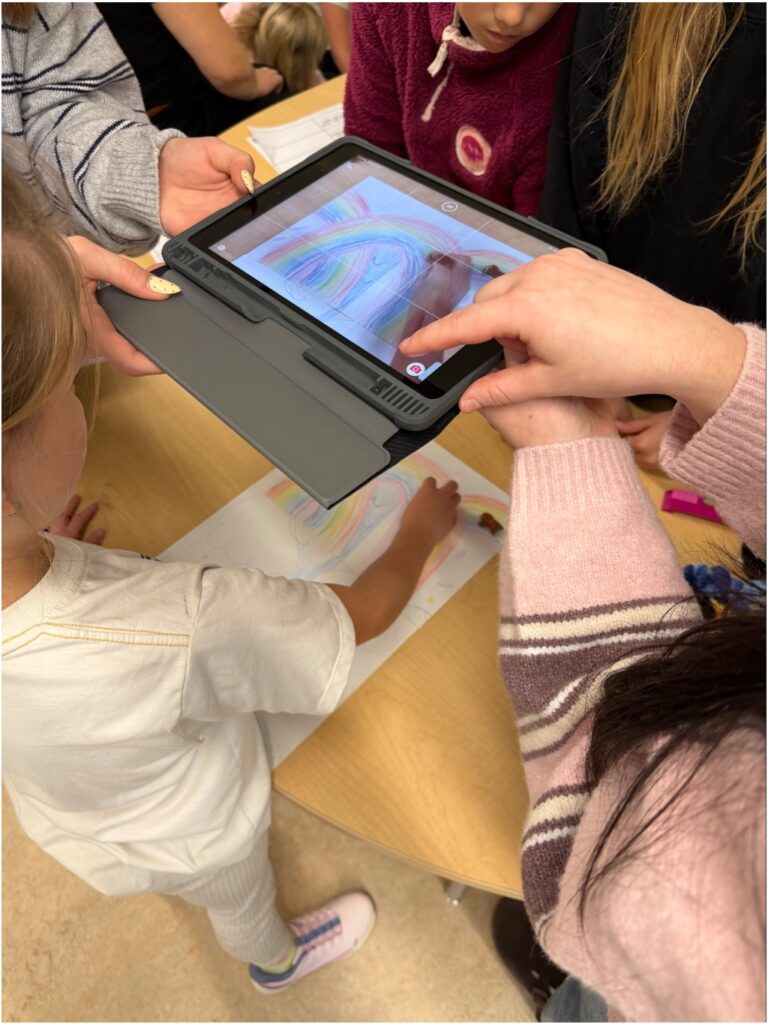
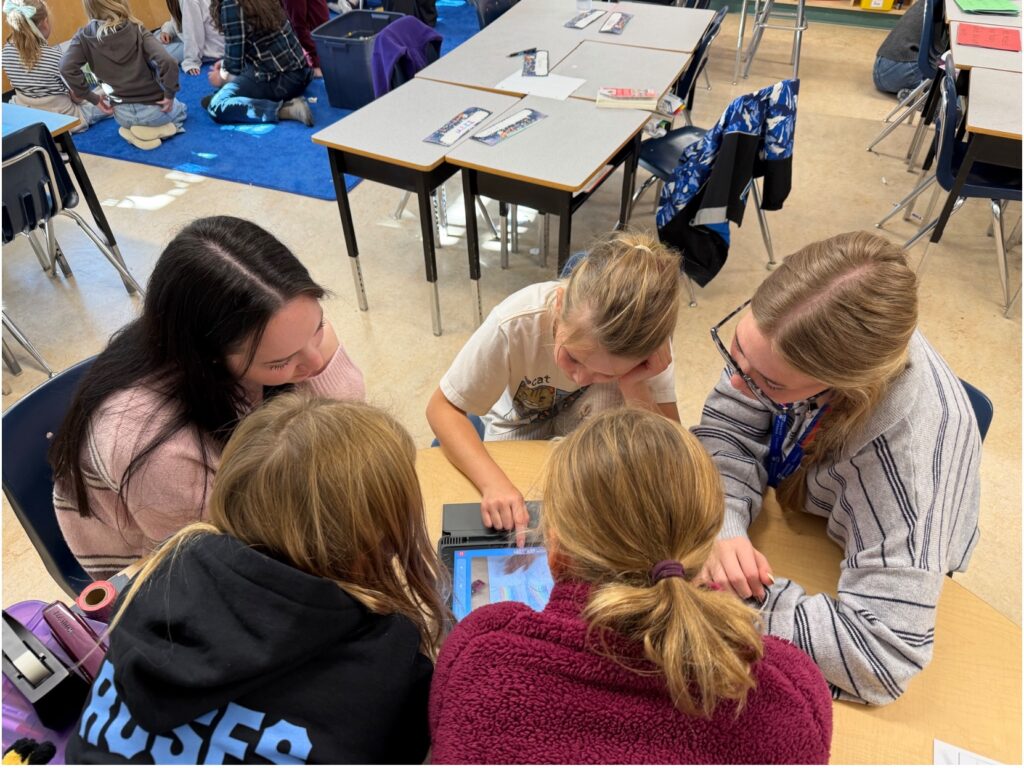
While we were in-situ at a local school we used a different app called Zing. I preferred this app over the app we used in our tech class because with the zing app it showed an overlay of the last image we took, this way we were able to keep everything very lined up and we knew how much to move the characters. My group first created their own background we called rainbow land, it was so funny to watch them come up with the setting, they decided to have multiple rainbows all across the sky and a waterfall coming from them and flowing down to the ground. It was so much fun colouring and creating the setting for this video!
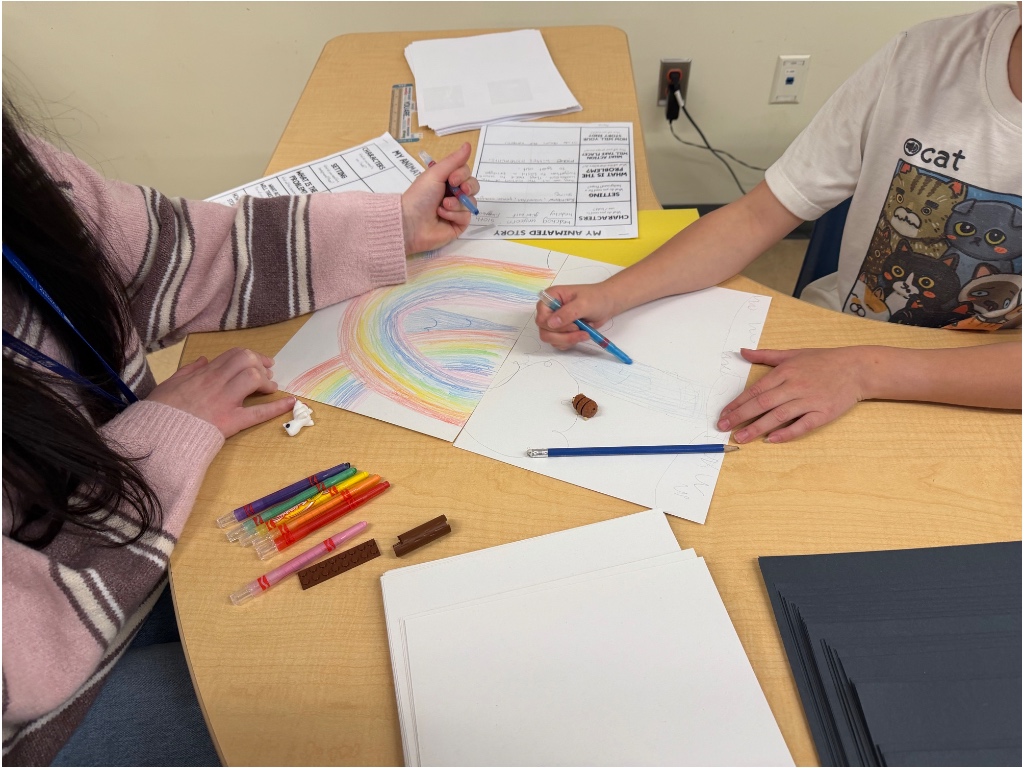
Next we picked out the character we were going to use for our video we chose a hedgehog, a unicorn and a sloth. We of course named the characters to further develop our story! After that we worked on a plan of what was going to happen in our video. As a group we decided the characters would be running across the rainbow and then fall all the way down the waterfall, they would then work together to drag a bridge to the waterfall so they could get back to the rainbow! it was such a creative and fun activity and we all had so much fun developing our video!
Challenges
An issue we ran into while filming was that we had to hold the iPad over our setting so the characters could be moved around the background, this was difficult because I kept accidentally moving my arms and moving the setting around. next time I would prop up the divide so it stayed in one place while we filmed. Another challenge was that I would accidentally get hands in the pictures, so we decided to cut out all the images with hands in them which made our video a bit short! Overall this was an amazing and fun experience and I would love to do it again! below are some more images from our time in-situ!